



You want to order groceries on Market Kurly for dawn delivery, but the sign-up keeps asking for a phone code you can’t get. This is one of Korea’s quietest shopping blocks. Here is what other guides get wrong in both directions: foreigners can sign up for Kurly, but you can’t finish without the Korean phone SMS code.
What’s stopping you
Kurly does not seem to ask for Korean ID/PASS 본인인증 for a normal account. What it does ask for is a Korean phone SMS code. At signup you’ll see a 휴대폰 label, an 인증번호 받기 (send code) button, and an 인증번호 확인 (confirm code) button. The phone field wants an 11-digit Korean number, and you can’t submit until you finish, showing 휴대폰 인증을 진행해 주세요 (“please finish phone verification”).
So a Korean phone number is the real gate. The whole sign-up is also Korean-only (the site sets lang="ko"), and Kurly only ships to Korean addresses. Its FAQ says straight out that foreigners and people living overseas can join, “but ordering/shipping overseas is not possible.” Some people also say the app won’t download from a non-Korean App Store.
Can you do it yourself?
Often, yes, so try first. Kurly really does let foreigners sign up, foreign cards usually work with a local billing address, and KakaoPay/Naver/Toss work if you already have a Korean identity. Plenty of residents with a Korean SIM do it on their own, and you can browse the catalog without an account.
Two things stop people:
- The SMS step. If your number is foreign or your App Store is overseas, you may never get the 인증번호. This is the real block, and no global English app removes it.
- The kurlyglobal.com trap. Search “Kurly English” and you get Kurly USA, which looks like the English version. It isn’t. It’s a U.S. store: “all products are shipped from South Korea and delivered within the U.S. via international express shipping.” Do not sign up there thinking you’ll get Seoul dawn delivery. It can’t order groceries to a Korean address, and it doesn’t get you past the Korean SMS step.
So here it is: if you have a Korean phone line and a local billing address, do it yourself on the Korean Market Kurly site or app. If you don’t, doing it on your own falls apart.
When you can’t do it yourself
Get someone to do it for you (a Korean friend you trust, or Toyoni) when:
- you can’t get the SMS code: a foreign number or overseas App Store stops 인증번호 받기 from reaching you;
- the Korean-only checkout (address search, delivery notes, 샛별배송 time) is hard to get through;
- you don’t have a local billing address or a Korean-pay method yet, and your card gets refused;
- you ended up on kurlyglobal.com and saw it ships to the wrong country;
- a CS message comes back in Korean and you can’t tell what’s wrong with the order.
How Toyoni helps
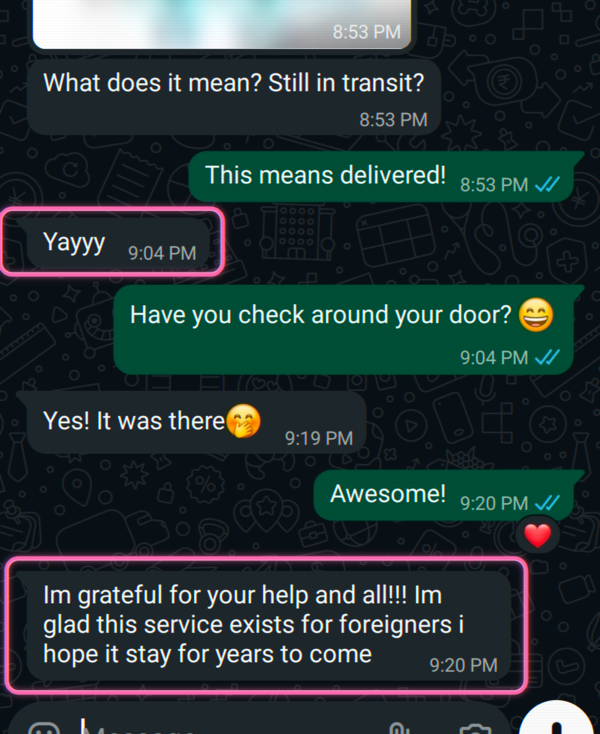
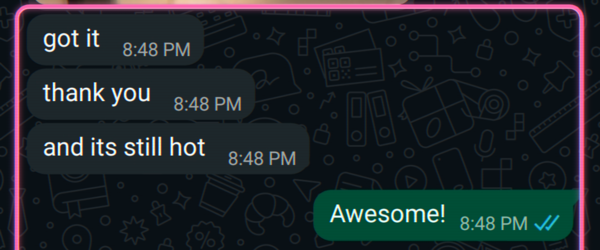
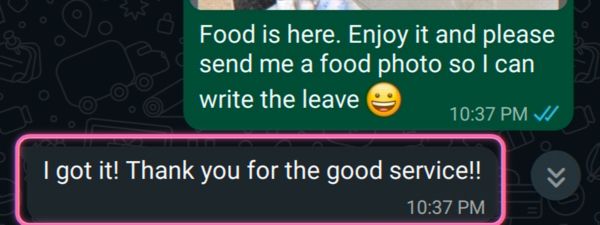
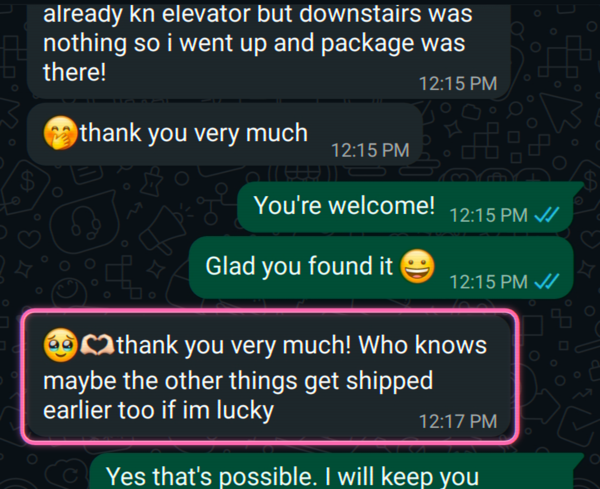
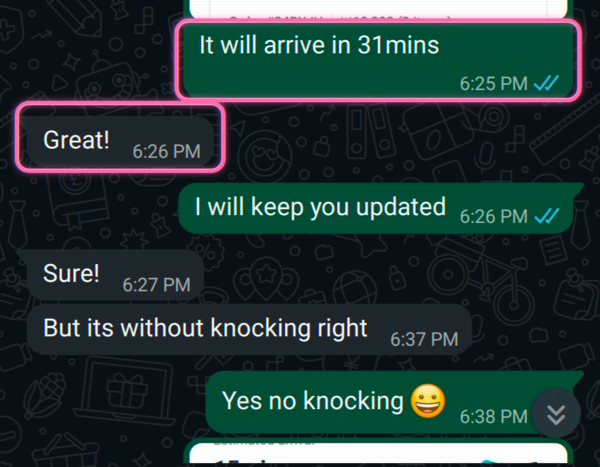
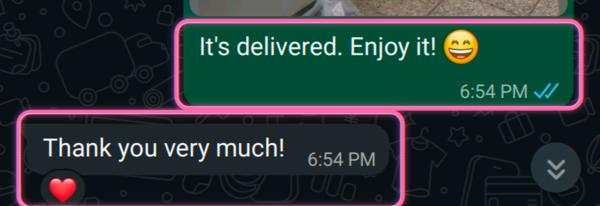
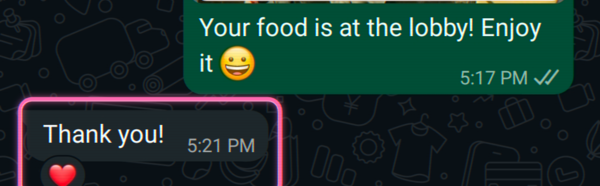
Send us your shopping list, or just a screenshot of your cart or the Korean item names, and we sign up or order on Market Kurly for you. We search the Korean address and add any delivery notes, run a payment that goes through, pick the dawn-delivery (샛별배송) time, track the order, and translate any CS messages back to you. It arrives at your Korean address, and we send you the confirmation. We do it for you instead of grey-market 代下单 and referral-code tricks. We get you past the code step you can’t pass, and we tell you straight when something has to ship to a Korean address.

 WhatsApp
  KakaoTalk
  LINE
LINE  Instagram
  Messenger