





Coupang Eats turned down your card, or you have no Korean phone number? Here's what to do.

  1. Send a screenshot of where you’re stuck
  2. We do it on a verified Korean account
  3. You get it, with photo proof

Real people we’ve helped

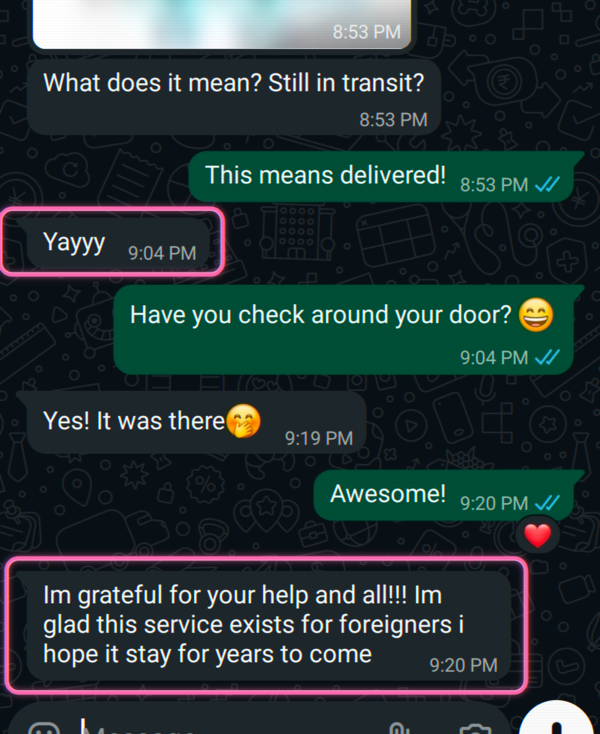
🇩🇪 Germany · Package help: “so glad this service exists for foreigners”
🇮🇳 India · Food delivery: “and it's still hot!”
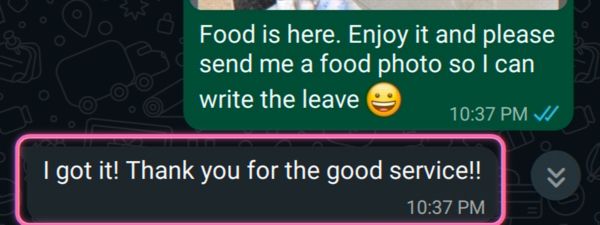
🇧🇪 Belgium · Food delivery: “thank you for the good service!”
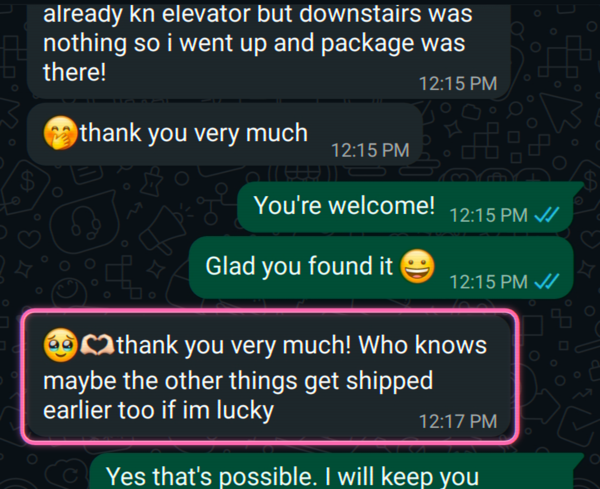
🇩🇪 Germany · Parcel tracking: “thank you so much!”
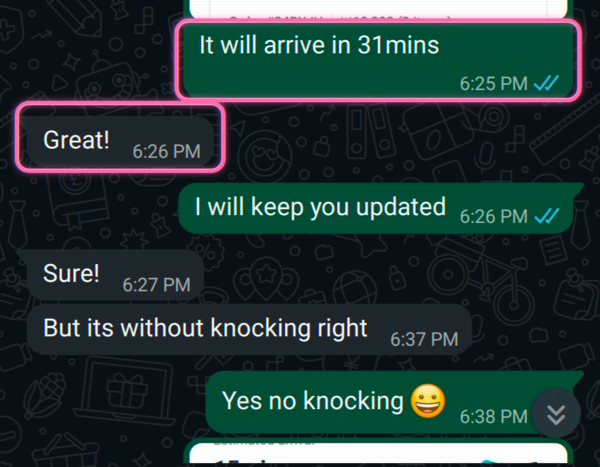
Food delivery · we tracked the arrival time and the “leave at the door, no knock” request, live
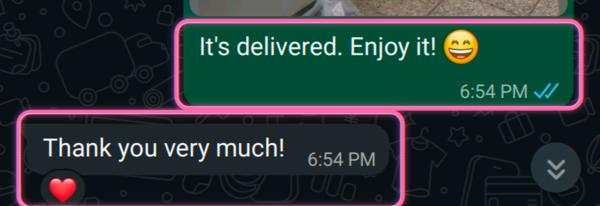
Food delivery · delivered, “thank you so much ❤️”
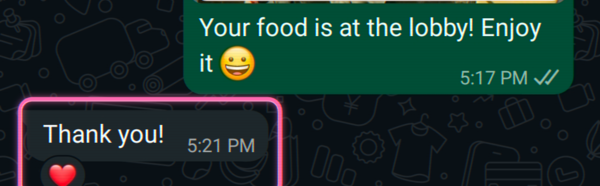
Food delivery · brought up to the lobby, “thank you ❤️”

Real messages from Toyoni customers, shared anonymously.

Rather we just handle it for you?

If you’ve installed Coupang Eats, switched it to English, and still can’t get an order through, you’ve found the real problem, and it isn’t the menu. You can use Coupang Eats fully in English. Where foreigners get stopped is signup and checkout, where the app is built for locals and asks for the Korean ID and payment details you may not have.

What’s stopping you

You can read everything in Coupang Eats in English, so the language question settles fast: yes, it works. The hard part comes later. Signup and checkout run through 본인인증, Korea’s way of checking your real ID, which asks for a Korean phone number in your name plus your ID details (CI/DI), per Coupang’s own privacy policy. The website (coupangeats.com) shows up as a Korean-only page that mostly just points you to the app, so ordering lives inside the app and behind that ID check.

Then there’s the part the search results argue about forever: paying with a foreign card. Overseas cards that work on the main Coupang shopping app often do not work on Coupang Eats, and even a ₩0 coupon order can make you bind a card that gets turned down.

Can you do it yourself?

Sometimes, and it comes down to whether you have a Korean account.

First, the English question: open the app, set the language to English, and you can read the whole thing. There is no separate global or English-only Coupang Eats app that skips the ID check. English mode is the same app with the same Korean-account rule.

If you’re a resident: sign up with a Korean phone number, finish 본인인증, and add a Korean card or Coupay. An overseas card may show up at checkout under the “overseas card” option, and some travelers say it worked (one walkthrough used an Agricultural Bank of China Visa), but don’t count on it. It works one day and not the next.

If you’re a tourist: be straight with yourself here. Tourist SIMs usually can’t get past the phone-number step, which stops you before you ever reach payment. There’s no English app that drops that step. The throwaway tip in most guides (“ask your hotel to order for you”) is real, but it’s not something you can count on.

When doing it yourself won’t work

Get someone to do it for you (a Korean friend you trust, or Toyoni) when:

  • you’re a tourist with no Korean phone number or ARC, so you can’t finish signup at all;
  • your foreign card keeps getting stuck or erroring at checkout, with Visa or UnionPay turned down, even on a discounted or ₩0 order;
  • the overseas-card option shows up but never goes through, and you have no Korean card to use instead;
  • you need the order to reach a specific lobby, door code, or address you can’t type in or explain in Korean to a rider.

How Toyoni helps

For the case the guides don’t actually fix, Toyoni places the order for you. We order on Coupang Eats with a Korean account, phone, and a card that works, enter your Korean address and the lobby or door code (the detail riders need most), and pass rider messages and calls back and forth until the food arrives, then send you proof it got there.

This is the chat-first way to order, instead of the pricey grey-market proxy services travelers complain about. You pay per task, you can see what we did, and you need no Korean account of your own. And if your order really does need a Korean account we can’t get around, we’ll tell you that straight instead of overpromising.


Is this safe? Yes, here's how

  • You don't hand over any Korean ID, number, or card. We use our own verified Korean account to do it. That's the whole point of Toyoni.
  • You share only what the task needs. For delivery, we need the address it goes to, plus your lobby or door code. Nothing else.
  • You pay through Stripe. The same secure checkout used by Amazon, Google, and Shopify. You enter your card on Stripe's own page, so Toyoni never sees or stores it.
  • Delete anytime. Ask us to remove anything we hold, whenever you want.

More in our Privacy Policy.

FAQ

Can I use Coupang Eats in English?

Yes. The Coupang Eats app reads in English or Korean, and Coupang confirms an English version, so the language is not the problem. But there is no separate 'global' Coupang Eats app. English mode is the same app, with the same Korean phone number and ID check you need to sign up and pay.

Do foreign cards work on Coupang Eats now? I keep seeing 'since when??' threads.

This is the question people ask most, and the answer is: it goes back and forth. Support has flipped on and off since late 2025, with threads from the same month saying opposite things. Foreign cards that work on the main Coupang shopping app often do not work on Coupang Eats. Coupang's policy does say you can register an overseas card with Coupay, so it exists on paper, but what actually happens is mixed. Some travelers say a card went through (one used an Agricultural Bank of China Visa), while others got Visa or UnionPay turned down even on a ₩0 coupon order.

I'm a tourist with no Korean number or ARC. Can I order at all?

Not on your own. Signup and checkout run through 본인인증, which needs a Korean phone number and your ID details, and tourist SIMs usually can't register. So either get someone with a Korean account to order for you (some hotels will do this), or use Toyoni to place the order for you.

Why does Coupang Eats turn down my foreign card?

Foreign cards work on Coupang Eats one day and not the next. The overseas-card support that works on the main Coupang shopping app often does not work on Coupang Eats, so a Visa or UnionPay that works elsewhere can still get turned down here, even on a ₩0 coupon order. Coupang's policy does say you can register an overseas card with Coupay, so it exists on paper, but what actually happens is mixed.

Coupang Eats turned down my card. Should I just use Baemin instead?

Often, yes. In our research, Baemin is the one people say works most for foreign payment, since it added Alipay, WeChat Pay, and wider overseas-card support. If Coupang Eats keeps getting stuck at checkout, try Baemin or Yogiyo, though both still ask for a Korean phone number to sign up.

What it costs

From $7. You always get a fixed quote before you pay. Pay per task, no subscription, no account. If we can’t do it, you’re not charged.

Stuck on Coupang Eats?